
Black Friday always kicks off a wave of new gadgets across Greater Manchester. Every year you see the same thing: excited new tech owners… followed by the "Why won't this thing connect?" panic about 20 minutes later. Trust me, you're not alone. Our mix of Victorian terraces, 1930s semis, post-war council homes and modern apartments creates a perfect storm of quirks that smart devices don't always play nicely with.
If you've just unboxed a Ring doorbell, Alexa, smart bulbs, a shiny new streamer or even a full home-cinema setup, here are the five most common problems I see in Manchester homes—and how you can avoid them.
1. Ring Doorbells Struggling in Victorian Terraces
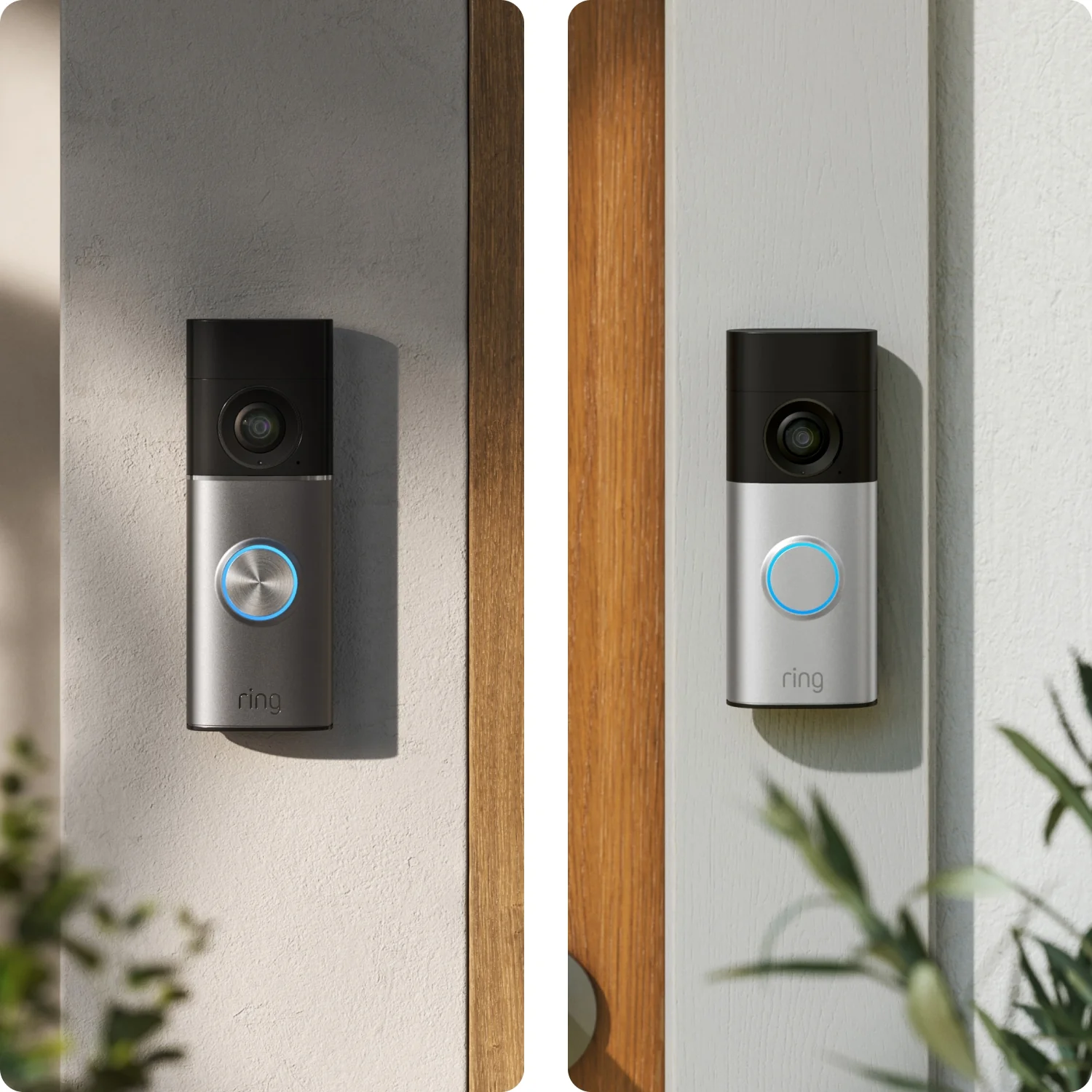

This is easily one of the biggest headaches around here. Victorian terraces (especially in places like Chorlton, Didsbury, Levenshulme, Urmston, and Salford) often have:
- Very thick brick or stone external walls
- Long hallways
- Router stuck at the back of the house
- Solid internal walls that murder Wi-Fi signals
Put a Ring doorbell on the front of a terrace, and the router in the living room can be just far enough away for the Wi-Fi signal to drop. The result? Constant disconnects, delayed notifications, or the dreaded "Device Offline."
Our take:
Most people think they've bought a faulty device when really the Wi-Fi layout is the culprit. Sometimes all it needs is a properly placed extender or a mesh node. In a few houses we've done, the fix was as simple as moving the router 2 metres.
2. Alexa + Virgin Media = Setup Chaos

Virgin Media is fast, but its Hub routers are notoriously picky with smart home gear. I've lost count of the number of calls that begin with:
"Alexa keeps saying she can't connect—what am I doing wrong?"
Common Virgin-related issues include:
- 2.4GHz and 5GHz sharing a single network name
- Devices getting stuck in "temporary setup" mode
- Interference in flats around the city centre or MediaCity
- Hub 3 and Hub 4 Wi-Fi dropouts when too many devices connect
Many Alexas require 2.4GHz for setup, but the Virgin hubs try to be clever and combine bands. Smart devices don't like that cleverness.
Easy fix:
Split the Wi-Fi bands and create a dedicated 2.4GHz network name for the smart gear.
Harder fix:
Upgrade to mesh Wi-Fi or put the Virgin hub into modem mode.
Our opinion:
Most Virgin hubs are fine for Netflix, terrible for 20+ smart devices. Manchester flats especially need mesh Wi-Fi.
3. Smart Bulbs + Older Wiring = Flickering, Buzzing, or Not Working at All

Loads of homes across Greater Manchester still have older wiring—particularly in:
- Pre-1990s terraces and semis
- Council homes that haven't had a full rewire
- Houses with old wall dimmers
Smart bulbs often need neutral wires, stable voltage, and modern dimmers. When they meet older setups, you might see:
- Flickering when dimmed
- Buzzing from the switch
- Bulbs that won't turn on at all
- Smart switches that refuse to power up
Some smart bulbs don't play nicely with old dimmer switches—many need non-dimmable switches.
Our honest view:
Smart lighting is brilliant once it's set up correctly, but older wiring in Manchester homes can make installation feel like a puzzle. Sometimes a £10 switch change fixes £100 worth of headaches.
4. TV Streaming Apps Constantly Crashing

Whether it's on a Firestick, smart TV, or new 4K streamer you grabbed on Black Friday, app crashes are one of the most common complaints in Manchester homes. And it's rarely the device's fault.
The culprits tend to be:
- Weak Wi-Fi in rooms converted into home cinemas
- Thick walls in 1930s semis blocking Wi-Fi to back bedrooms
- Too many devices on the Virgin or BT router
- Cheap HDMI cables causing handshake issues
- Outdated TV firmware
One thing I see constantly: people buy high-end streamers, but the signal dropping every 20 seconds makes Disney+, Amazon, BBC iPlayer, or Netflix unusable.
Our view:
A streaming device is only as good as the Wi-Fi reaching it. Get the network right first, and everything suddenly works like magic.
5. The Overlooked Reality: Professional Setup Prevents Returns & Regret
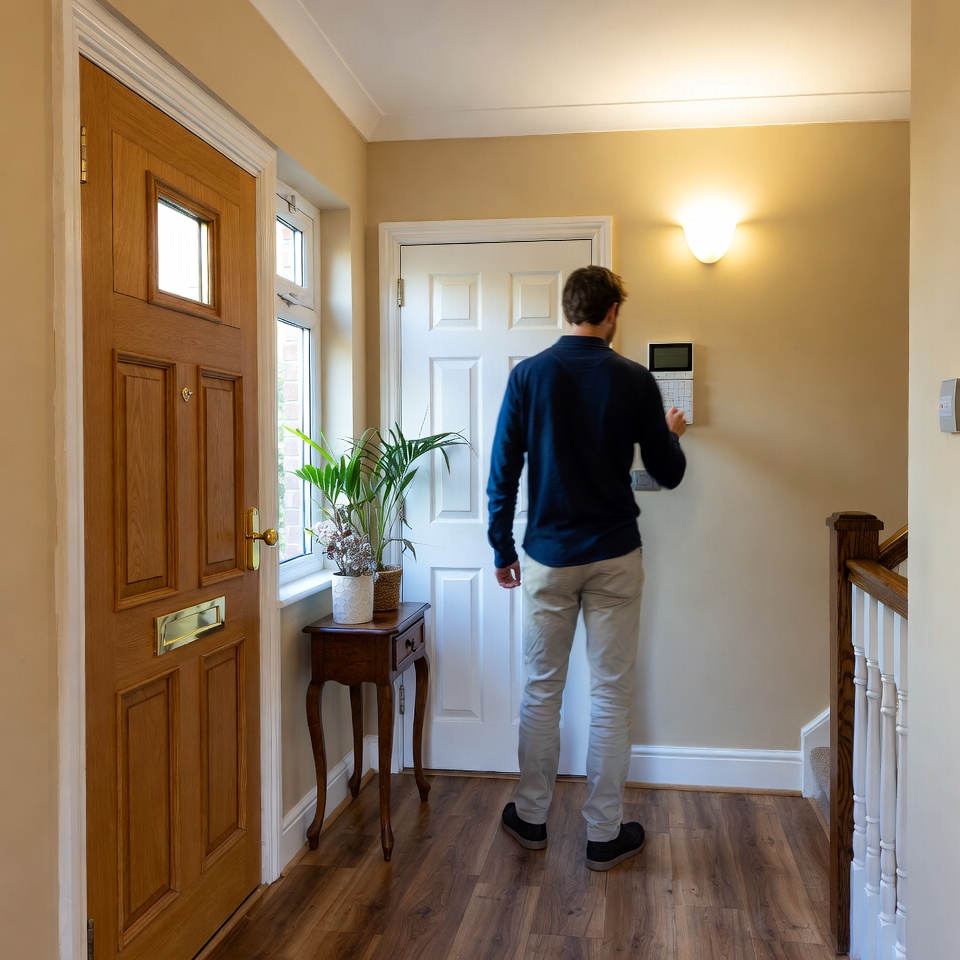
A lot of people assume smart devices are "plug and play." They are… until the house gets involved.
Greater Manchester has a huge variety of property types, and every one has quirks:
- City-centre flats with 200 other Wi-Fi networks nearby
- Terraces with routers miles from the front door
- Semis with patchy wiring
- Old brick walls that swallow 5GHz signals whole
It's no wonder so many devices end up boxed back up and returned.
A proper setup can:
- Fix Ring and doorbell connectivity
- Get Alexa reliably working with Virgin Media
- Ensure bulbs, switches, and wiring play nicely
- Stop TV apps crashing
- Speed up your entire network
- Avoid hours of frustration
Honestly:
Most returns I see aren't faulty devices—they're homes that need a proper setup.
Final Thoughts
If you've treated yourself to Black Friday tech and want it running smoothly, you're already ahead of most people by looking into setup issues early. Manchester homes are brilliant, but they can be awkward for modern smart devices. A bit of expert setup goes a long way.
If you ever want help getting everything installed properly—whether it's a Ring camera, smart home gear, or a full home-cinema system—there are local services that can get you sorted without the hassle. Just reach out anytime.
Related Articles
Found this helpful? Share it: